- Drives & Storage
- RAM
- Cables
- Keyboards & Mice
- Speakers
- UPS & UPS Batteries
- Webcams
- Computer Components
- Tools & Accessories
- Headsets
- Ugreen
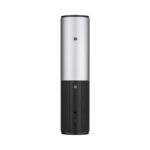
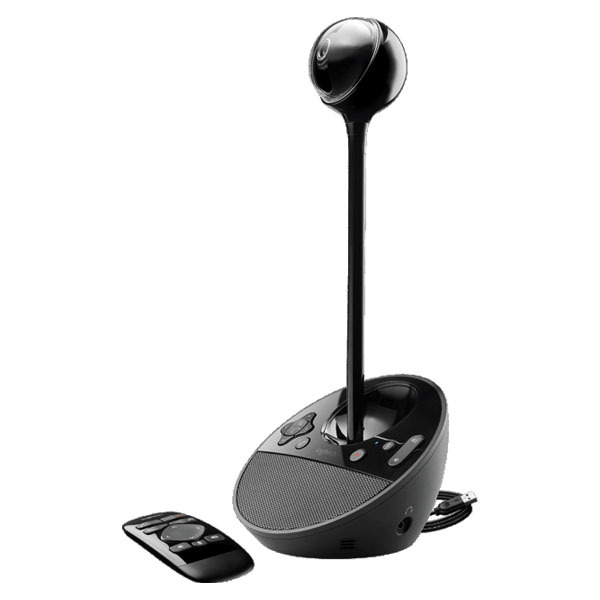
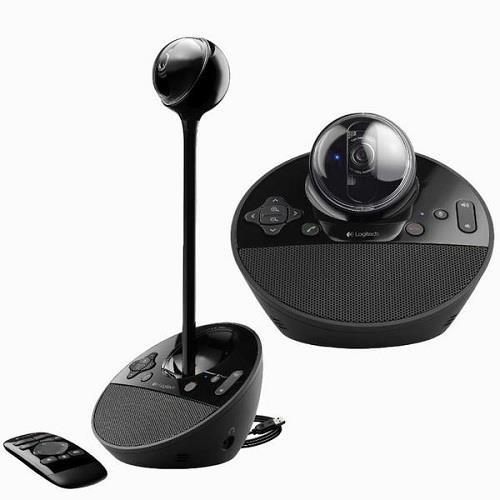
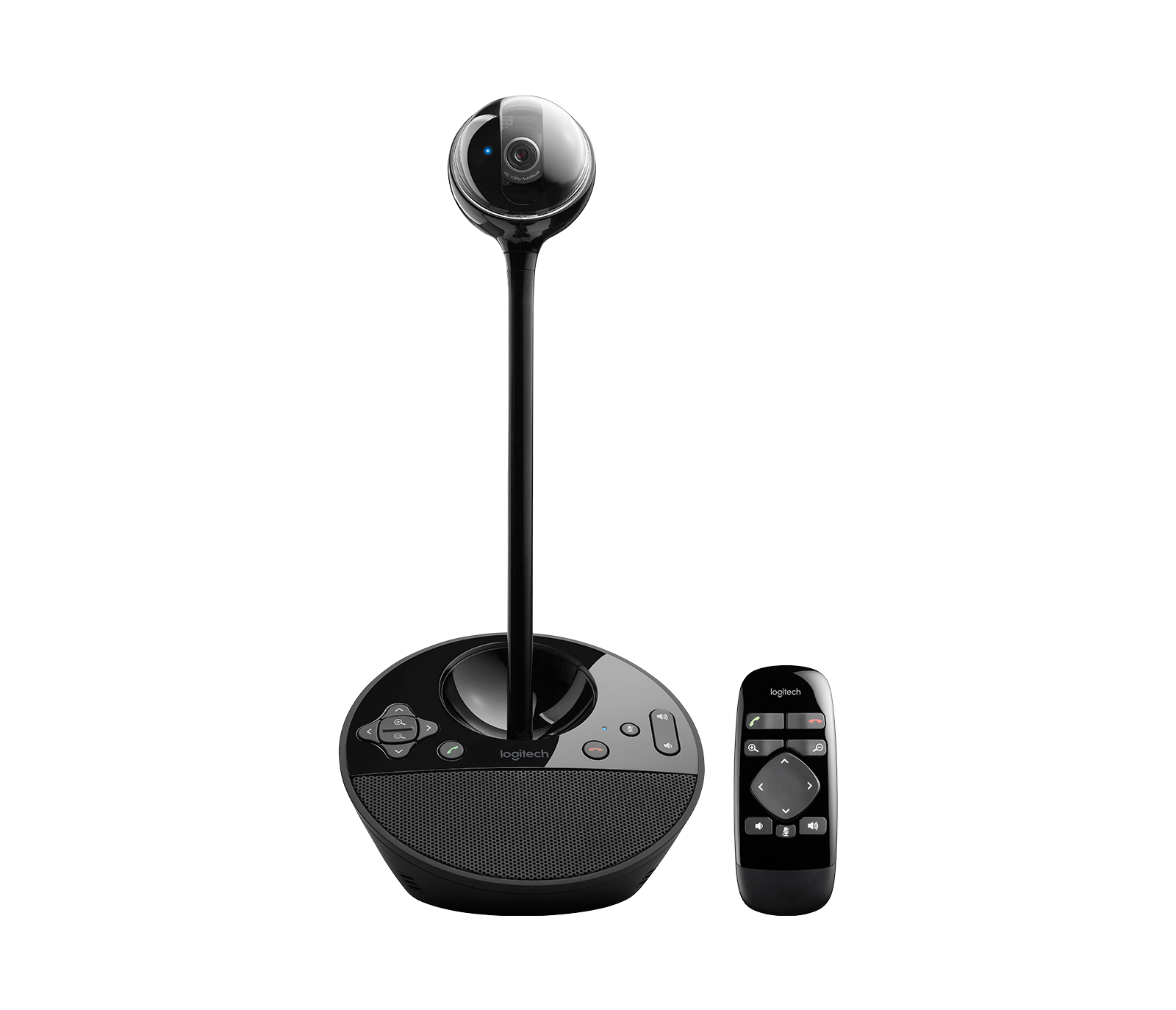
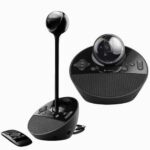
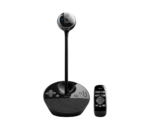
Logitech Conference Cam BCC950 Price in Kenya
The Logitech Conference Cam BCC950 price in Kenya is KES 22,000. It is an all-in-one video conferencing system designed for small meeting rooms, home offices, and remote collaboration. The device combines a high-definition webcam, speakerphone, and microphone into a single unit, making it an ideal solution for professional video meetings.
The Logitech Conference Cam BCC950 delivers Full HD 1080p video quality, ensuring clear and sharp visuals during video calls. With its premium glass lens and autofocus technology, the camera captures accurate details and maintains focus even when users move within the frame.
Additionally, the device features a built-in full-duplex speakerphone and noise-cancelling microphone, allowing participants to communicate clearly without background noise interference. This makes meetings more productive and natural, especially when multiple participants are involved.
The camera also includes a motorized pan, tilt, and zoom system that can be controlled using the included remote control or directly from the device. This feature allows users to easily adjust the camera angle to ensure everyone in the meeting is visible.
Furthermore, the plug-and-play USB connectivity makes the Logitech Conference Cam BCC950 extremely easy to set up. Simply connect the device to a computer via USB, and it works instantly with most popular video conferencing platforms such as Zoom, Microsoft Teams, Skype, and Google Meet.
The compact all-in-one design makes the device perfect for small conference rooms, private offices, and remote teams looking for a reliable video conferencing solution without complicated installations.
You can buy the Logitech Conference Cam BCC950 today from Dove Computers Kenya, a trusted technology store offering quality conferencing equipment and IT solutions.
Logitech Conference Cam BCC950 Specifications and Price in Kenya
| Feature | Specification |
|---|---|
| Brand | Logitech |
| Model | Conference Cam BCC950 |
| Product Type | Video Conferencing Camera |
| Price in Kenya | KES 22,000 |
| Video Resolution | Full HD 1080p |
| Lens | Autofocus glass lens |
| Field of View | 78° |
| Digital Zoom | 1.2x |
| Microphone | Built-in noise-cancelling microphone |
| Speakerphone | Full duplex speakerphone |
| Connectivity | USB Plug-and-Play |
| Compatibility | Windows, macOS |
| Software Support | Zoom, Microsoft Teams, Skype, Google Meet |
| Remote Control | Yes |
| Mounting | Desktop mount |
Logitech Conference Cam BCC950 Buyer Guide (Dove Computers Kenya)
The Logitech Conference Cam BCC950 is designed for professional video conferencing in small meeting spaces. It combines a webcam, speakerphone, and microphone into one compact system to simplify meeting setups.
For businesses and professionals who regularly attend virtual meetings, the device provides clear HD video, crisp audio, and easy camera control, ensuring smooth communication with remote teams or clients.
The built-in speakerphone and microphone system allows multiple people to participate in meetings without requiring additional audio equipment.
Another major advantage is the plug-and-play USB setup, which eliminates complicated installations. Users simply connect the device to their computer, and it immediately works with most video conferencing software.
Because of its compact design, the Logitech BCC950 is ideal for small conference rooms, personal workspaces, and remote collaboration environments.
Who the Logitech Conference Cam BCC950 is for
Small meeting rooms
The device is designed specifically for small conference spaces with multiple participants.
Remote workers and professionals
Individuals working from home can use the camera for high-quality video meetings.
Businesses using video conferencing platforms
The device works seamlessly with Zoom, Microsoft Teams, Skype, and Google Meet.
Online trainers and consultants
Professionals conducting online training or virtual meetings benefit from its clear video and audio.
Teams requiring simple conferencing solutions
The all-in-one design eliminates the need for separate microphones or speakers.
Who the Logitech Conference Cam BCC950 is NOT for
Large conference rooms
The camera is designed for small meeting rooms rather than large boardrooms.
Users requiring 4K video
The device supports Full HD 1080p but not 4K resolution.
Advanced broadcasting setups
Professional streaming setups may require dedicated cameras.
Users needing wireless conferencing systems
The BCC950 relies on USB connection rather than wireless connectivity.
Mobile users
The device is designed primarily for desktop or meeting room use.
Advantages and Disadvantages
Advantages
-
Full HD 1080p video quality
-
Built-in speakerphone and microphone
-
All-in-one video conferencing solution
-
Easy plug-and-play USB setup
-
Motorized pan, tilt, and zoom control
-
Compatible with major video conferencing platforms
-
Compact design for small meeting rooms
-
Remote control included
-
Clear audio with noise cancellation
-
Reliable Logitech build quality
Disadvantages
-
Not suitable for large conference rooms
-
Limited digital zoom
-
No 4K video support
-
Requires USB connection
-
Not designed for professional streaming setups
Logitech Conference Cam BCC950 vs Standard Webcam
| Feature | Logitech BCC950 | Standard Webcam |
|---|---|---|
| Video Quality | Full HD 1080p | HD or Full HD |
| Speakerphone | Built-in | Not included |
| Microphone | Noise-cancelling | Basic microphone |
| Camera Control | Pan, tilt, zoom | Fixed |
| Meeting Coverage | Small meeting rooms | Single user |
| Remote Control | Yes | No |
The Logitech BCC950 offers a complete conferencing system, while standard webcams are designed mainly for single-user video calls.
Verdict
The Logitech Conference Cam BCC950 is a reliable all-in-one video conferencing solution for small meeting rooms and professional workspaces. With its Full HD video, built-in speakerphone, and simple plug-and-play setup, it provides everything needed for high-quality virtual meetings.
Although it does not support 4K resolution or large conference room coverage, it remains an excellent choice for small teams, remote professionals, and businesses that require a dependable conferencing system.
If you are looking for a compact and professional video conferencing camera, the Logitech Conference Cam BCC950 is a great option.
Ready to Improve Your Video Meetings?
Buy the Logitech Conference Cam BCC950 today from Dove Computers Kenya and enjoy professional-quality video conferencing for meetings, collaboration, and remote communication.
Logitech Conference Cam BCC950 FAQs (Dove Computers Kenya)
Does the Logitech BCC950 support Full HD video?
Yes. The camera supports Full HD 1080p video for clear and professional video calls.
Does the device include a microphone and speaker?
Yes. It includes a built-in noise-cancelling microphone and full-duplex speakerphone.
Is the Logitech BCC950 compatible with Zoom and Microsoft Teams?
Yes. It works with most major video conferencing platforms including Zoom, Microsoft Teams, Skype, and Google Meet.
Does the camera include remote control?
Yes. Users can control pan, tilt, and zoom using the included remote control.
Is the device easy to set up?
Yes. The plug-and-play USB connection makes setup quick and simple.